Group Deposit Policies
When users create new deposit policies for groups in the New Deposit Policy pop-up screen (All Settings ➜ Reservations ➜ Policies & Codes ➜ Deposit Settings ➜ Group Policies ➜ Add) or modify an existing policy in the Edit Deposit Policy pop-up screen, tax classes can be included in the policy by selecting the Estimated Tax checkbox.
When selected, a label, Tax Classes, appears that displays all the inclusive and exclusive tax classes available for the property, selected by default.
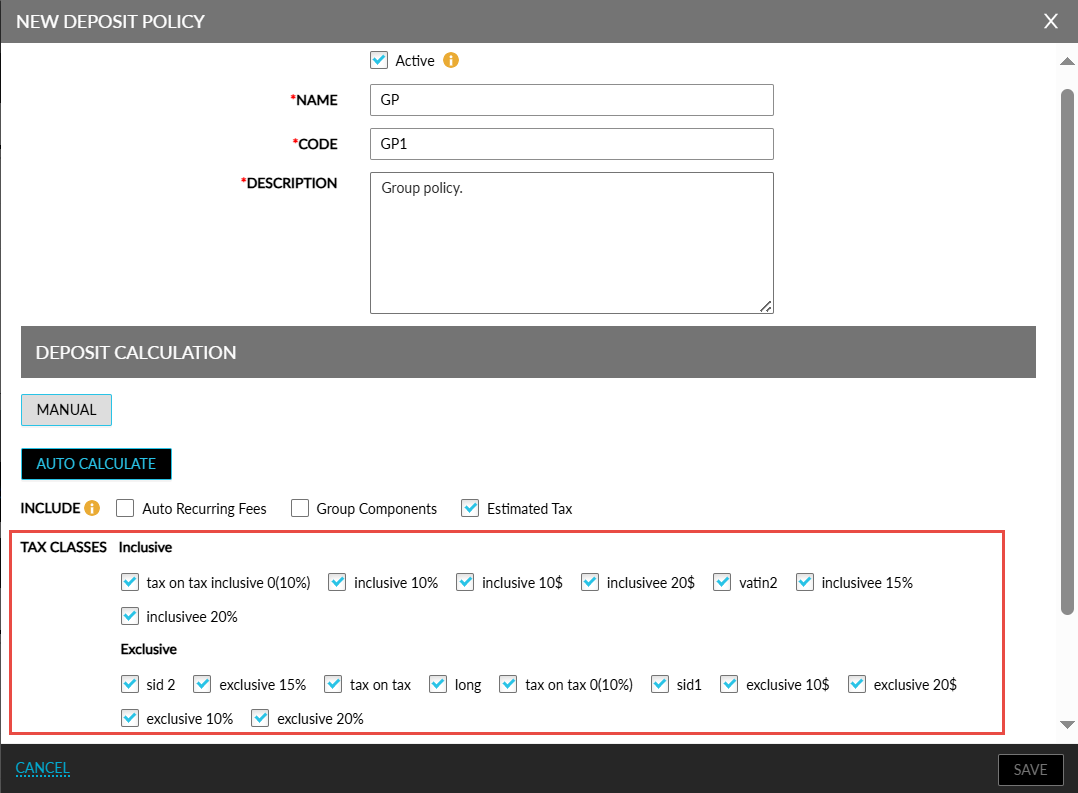
Users can deselect the tax classes that are not applicable for the deposit policy.
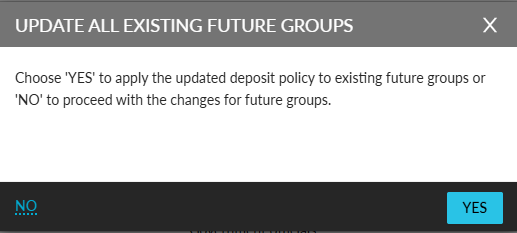
When users modify the tax classes selected for a deposit policy created previously and click Save, the Update All Existing Future Groups pop-up screen appears that prompts users to confirm if the updated policy must be applied to all existing future groups with which the deposit policy is associated.
-
When users click Yes, the updated policy is applied to all existing future groups.
-
When users click No, the updated policy will be applied only to new groups created using the policy.